









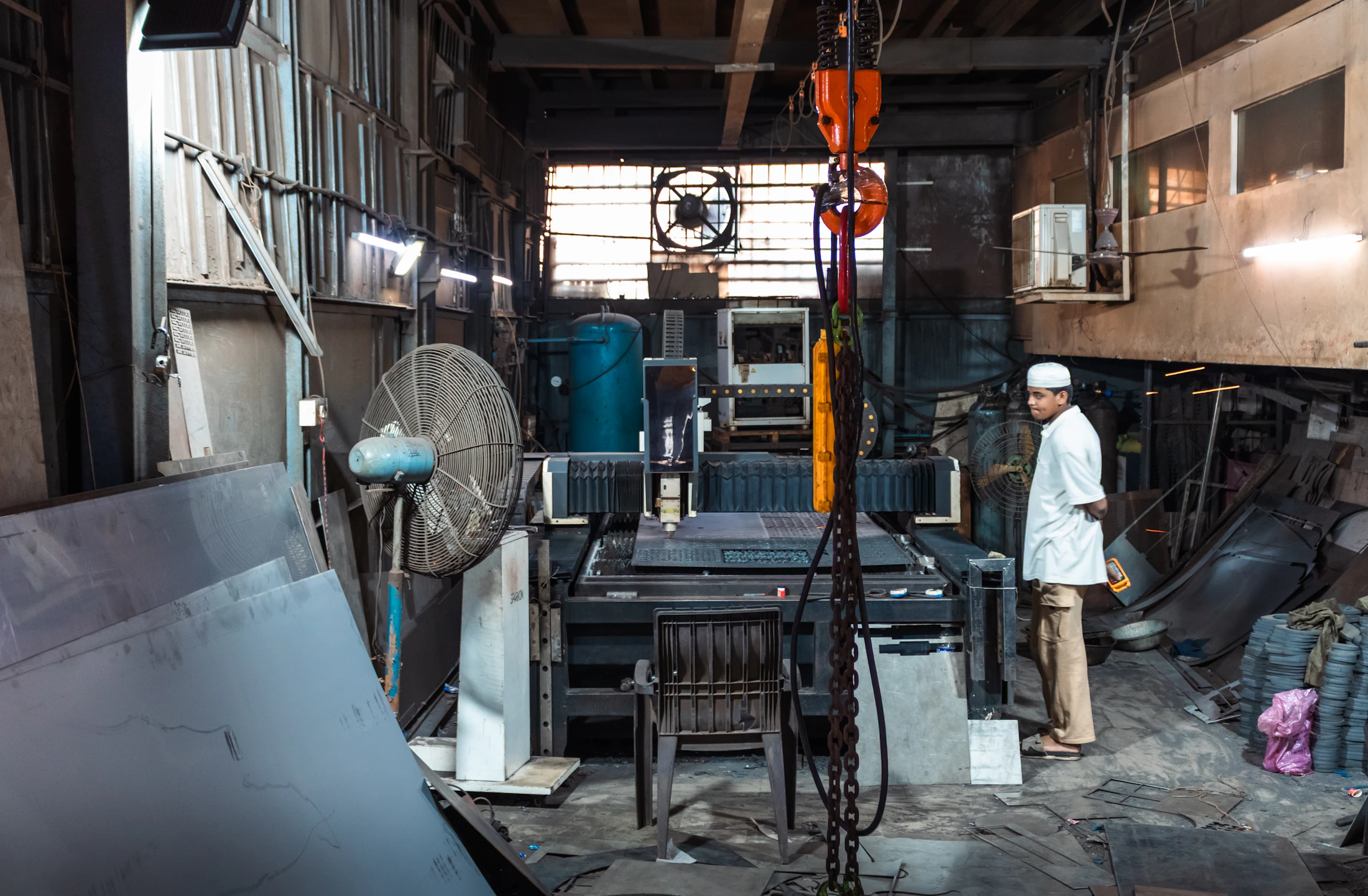
Digital work instructions for manufacturing
Step-by-step instructions on the tablet, a phone or by voice, with data captured at every step.
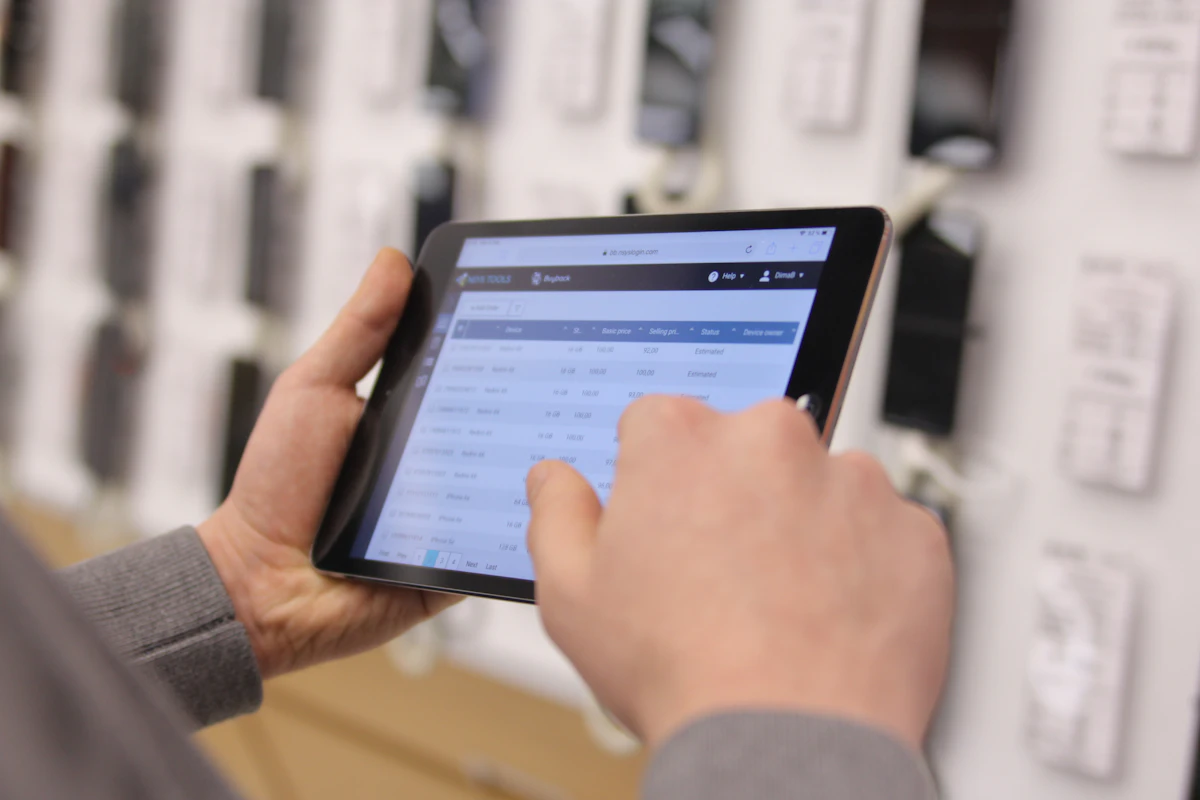
Step-by-step guidance
Each step on the station tablet or a phone, with images and video for the job.
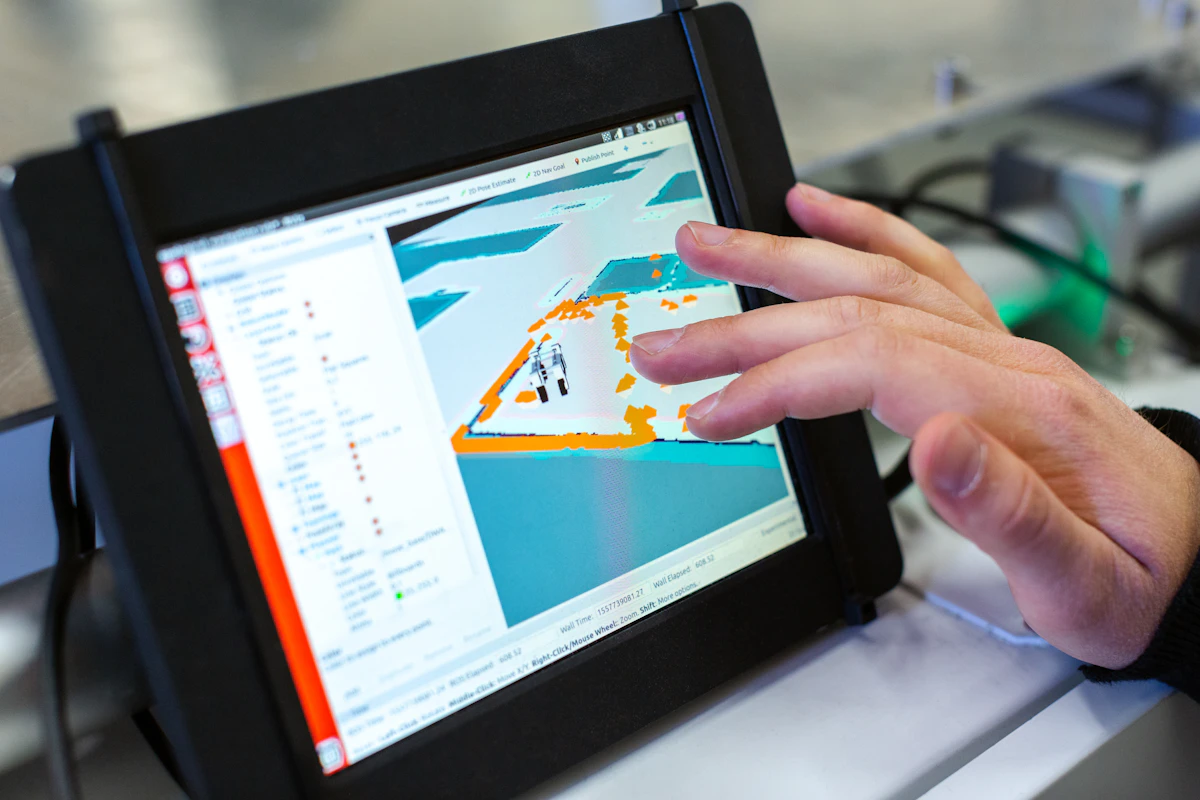
Data capture at every step
Photos, readings and scans are recorded against the step they belong to.
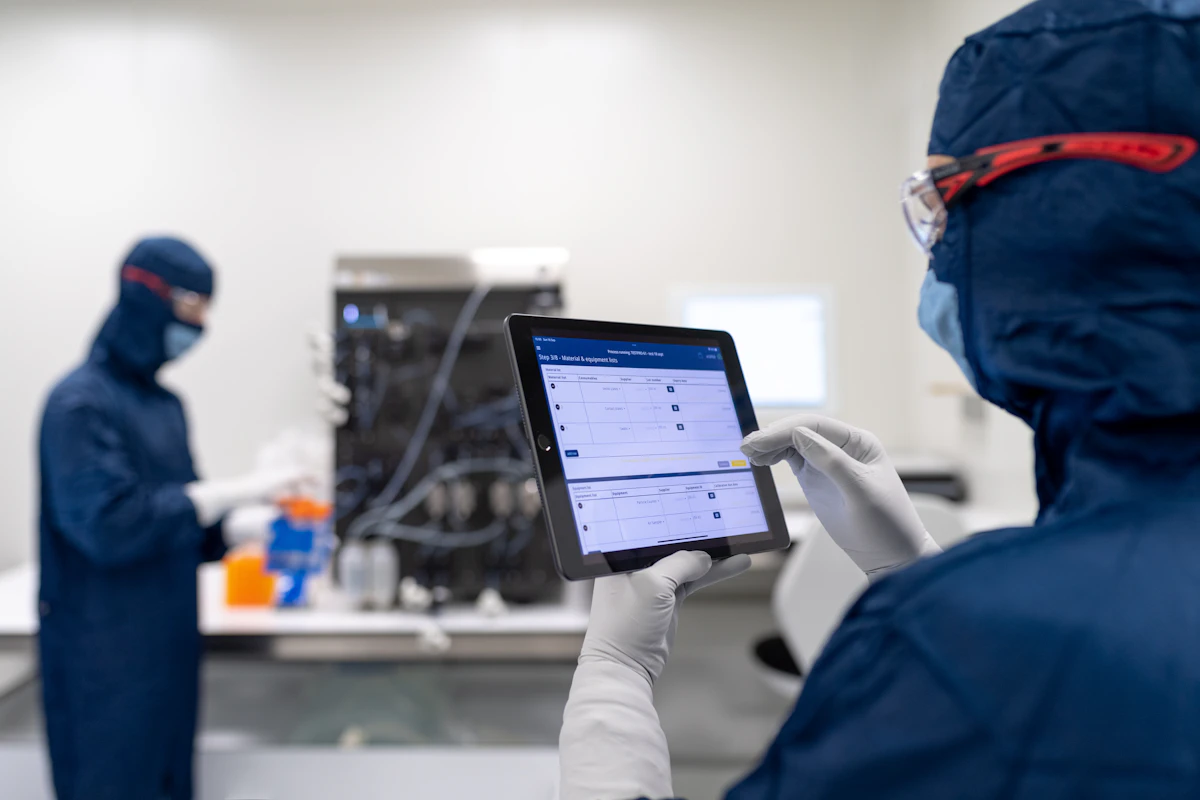
Required steps and sign-offs
Set what each step needs and what happens when it is skipped.
Variants by line, product and location
One instruction, with the differences for each line, product and location.

Operator feedback
Operators flag problems from the step, and every question they ask is recorded.
What Vexum adds
- Asks how the step was doneThe voice agent asks for the evidence each step needs.
- Asks why when it differsWhen a step is done differently, it asks why and for proof.
- Updates the instructionRecurring differences become the next version, approved by a person.
Every feature
- Step-by-step builder
- Images and video in every step
- Created from your existing files
- Templates
- Multilingual instructions
- Variants by line, product and location
- Tablet, phone and voice
- Works offline
- Required steps and sign-offs
- Enforcement per step
- Real-time operator feedback
- Photos
- Readings and measurements
- Barcode and gauge scans
- Signatures
- Timestamps on every step
- Version control
- Approval workflows
- Audit trail
- Linked to work orders
- Integrations with ERP, MES and QMS
- Peripheral devices
Works with your QMS, ERP, MES and LMS
Read-only by default. Replaces nothing.
- QMS and document controlProcedures, versions, change records
- SharePoint and file sharesWhere your SOPs live today
- ERP and MESWork orders, parts, lots, machine data
- LMS and training recordsWho is trained on which version
“We literally used to do that manually dozens of times a day.”
FAQ
What are digital work instructions?
Digital work instructions are step-by-step instructions shown to operators on a screen, usually with photos, required inputs and sign-offs, instead of paper binders.
What devices do operators use?
The station's tablet or the operator's phone. Operators scan the station's tag to start, and can speak instead of typing.
Can a step be required before the operator moves on?
Yes. Each step sets how it is enforced: allow it and log it, warn and ask for a reason, or require a manager's approval to continue. Blocked steps show why on screen.
Can Vexum identify procedures that are not being followed?
Yes. Because the work runs through Vexum, every reading, photo and decision is recorded against its step and compared with the approved procedure. Vexum shows where a procedure is not being followed, by step and location, and recurring deviations become a proposed change for a person to approve.

See Vexum on your own procedures.
Tell us about your operation and our team will reply within one business day.