













What connecting Vexum to your systems involves
Vexum works with the systems you already run. Here is what an integration involves.
 Vexum
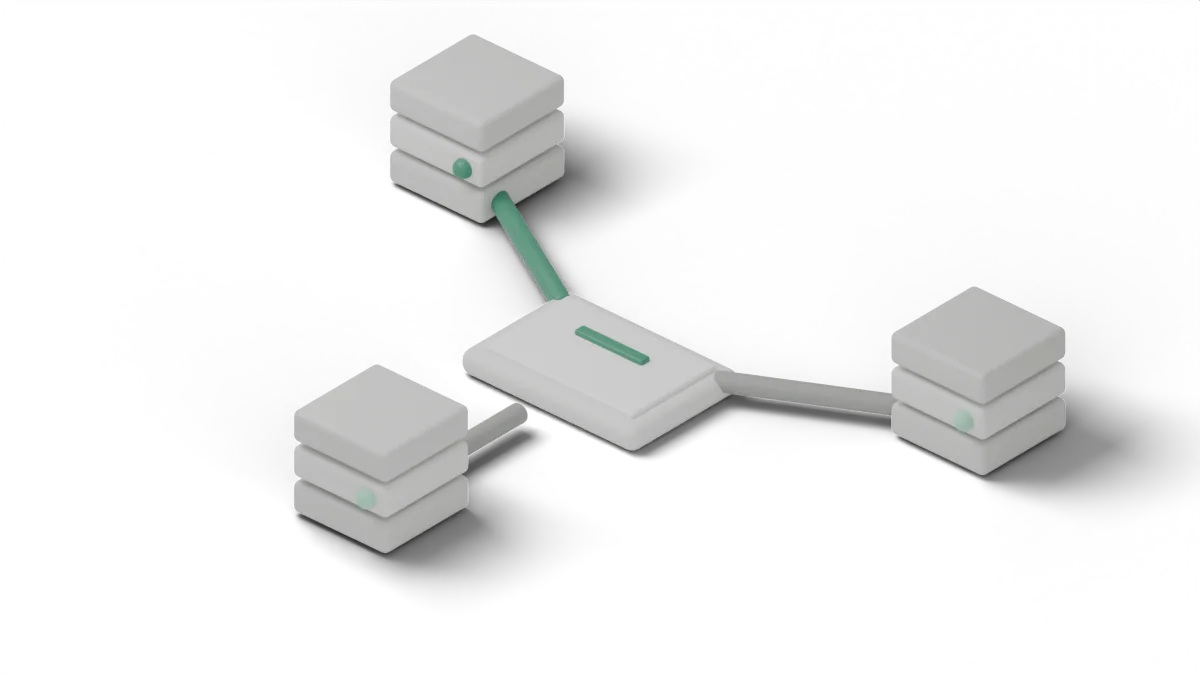
- Vexum connects to the systems you already use, including ERP, MES, QMS, document stores, email, chat and in-house tools, and replaces none of them.
- Each integration is built for your system during setup, not picked from a fixed list of connectors.
- Connections are read-only by default. Write access is only added where you allow it, and systems of record stay read-only.
- You can start with no integration at all, by uploading the procedures and files you have.
The most common question we get after a demo is what it takes to connect Vexum to the systems a location already runs. The short answer: less than replacing anything, because Vexum replaces nothing. Here is the longer one.
Which systems can Vexum connect to?
ERP, MES and QMS, document stores such as SharePoint, email and chat, and the in-house tools many manufacturers have built over the years. Off the shelf or homegrown, the approach is the same.
Why connect at all?
So nobody types a value a system already has. When a procedure needs a work order, a part number, a spec limit or the last run's readings, Vexum reads it from where it lives. Steps marked as automated are done in your systems by Vexum's agents, and the rest arrive with the context already filled in.
How is an integration built?
We build a custom integration for each system you use, during setup. It is shaped around the data your procedures need, not around a generic connector. Your team decides which systems to connect first, and you can start with none.
What can Vexum change in our systems?
By default, nothing. Every connection starts read-only. Systems of record stay read-only, including your ERP and QMS. Where you choose to allow it, Vexum can write to specific places, such as filing a document to a folder you designate. Messages only go out as a person's own approved send. Vexum never deletes anything in your systems.
Read-only is the starting point for every connection. Anything more is your decision, one place at a time.
What does your team need to provide?
- A list of the systems your procedures depend on, and which to connect first.
- Read-only access scoped to the data those procedures need, ideally to a test environment first.
- One person who owns each system, to answer questions about how the data is laid out.
- Your security review, on your normal process. See security for how Vexum is deployed and what is done.
Can we start without integrations?
Yes. Upload the procedures and files you have, and Vexum builds procedures from them, with every step cited. Integrations can follow once you have seen it work on your own procedures.
Frequently asked questions
Does Vexum replace our ERP, MES or QMS?
No. Vexum connects to the systems you already use, read-only by default, and replaces none of them.
Can Vexum write to our ERP?
No. Systems of record stay read-only. Write access is only added for specific places you choose, such as a designated document folder.
Do we need integrations to get started?
No. You can start by uploading the procedures and files you have, and connect systems later.
If you run procedures at a manufacturer and want to see where your written procedures and the real work differ, request a demo.
Get new posts by email
Product news and notes on procedures, change and training.